Know what’s playing. Mix what comes next with confidence.
Deckovio turns the live information from your connected DJ gear into one calm, clear view: track, artist, artwork, BPM, key, harmonic direction and a reliable set history.
The information you need. Exactly where you need it.
Deckovio is the calm layer beside your decks. It turns connected-device data into a live picture that helps you stay musical, present and in control.
01Live track awareness
ArtistAria SolKeep The Lights
A glance that tells the story.
Track, artist and artwork remain connected to the player carrying the moment, even when your booth gets bigger.
02Harmonic direction
Your next musical move8A
7AStep downCool the room
8BMood swapChange the tone
9AStep upLift the room
Let the next transition make sense.
Camelot key and BPM become clear musical options: smooth steps, mood swaps, energy lifts or deliberate contrast.
03Set history
Tonight’s track log
Aria Sol — Keep The Lights
Low Atlas — Motion Theory
June Vale — Open Signals
Remember the whole night.
When the live track display changes, Deckovio records the moment. Your set remains ready for review after the last transition.
Deckovio DesktopLive track awareness
Track, artist and artwork remain connected to the player carrying the moment, even when your booth gets bigger.
Deckovio DesktopSimulation Mode
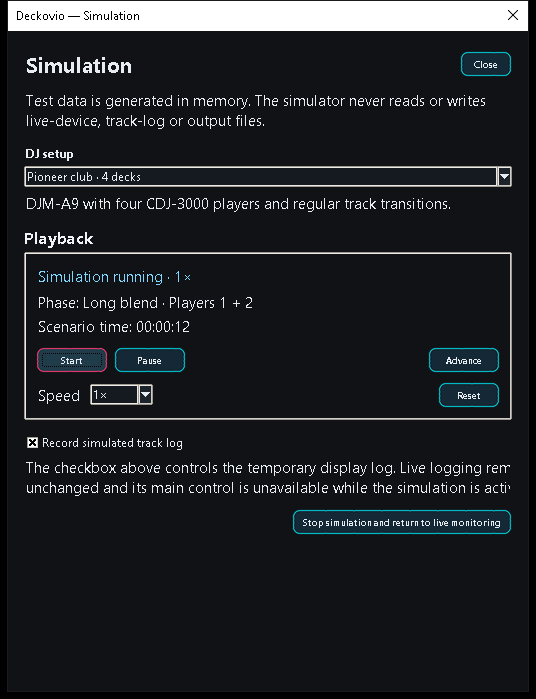
Explore the interface, player mapping and changing tracks without connected gear or an active licence.
A confident companion
Built for the parts of a set you cannot pause.
Deckovio keeps the signal, the setup and the record of the night in one focused desktop companion.
◉
Live track awareness
See the playing track, artist, artwork, BPM and key where they belong: at the active player.
⌁
Camelot guidance
Read compatible moves around the current key with energy and mood cues that stay human.
≣
Automatic track logging
Capture the displayed track changes and their timeline without taking notes during a performance.
⌘
Setup in view
Recognised players, mixer and routing appear as a compact booth view with readable player IDs.
↻
Simulation Mode
Explore the interface, player mapping and changing tracks without connected gear or an active licence.
↓
Your files, your place
Choose one simple output folder in Documents, or enable separate destinations when your workflow needs them.
01
02
≣
⌁
A clear live chain
Your gear tells the story. Deckovio makes it readable.
01
Connect your booth
Deckovio discovers compatible gear on your private DJ network.
02
See the relevant moment
Live device data becomes a focused view of what is playing now.
03
Carry the context forward
Use harmonic cues in the mix and keep a local record of the set.
Built for the booth network
Your gear. One clear live picture.
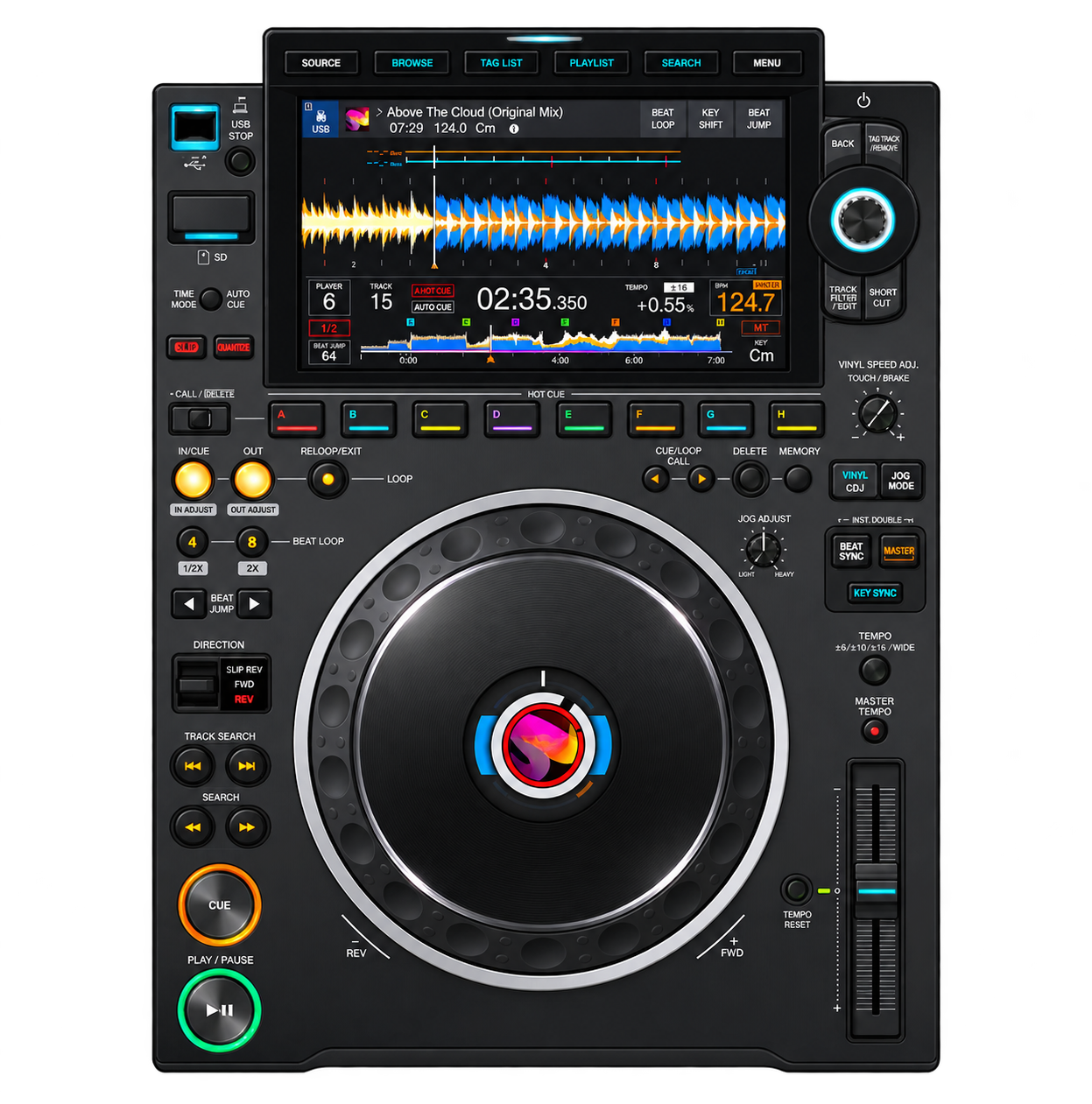
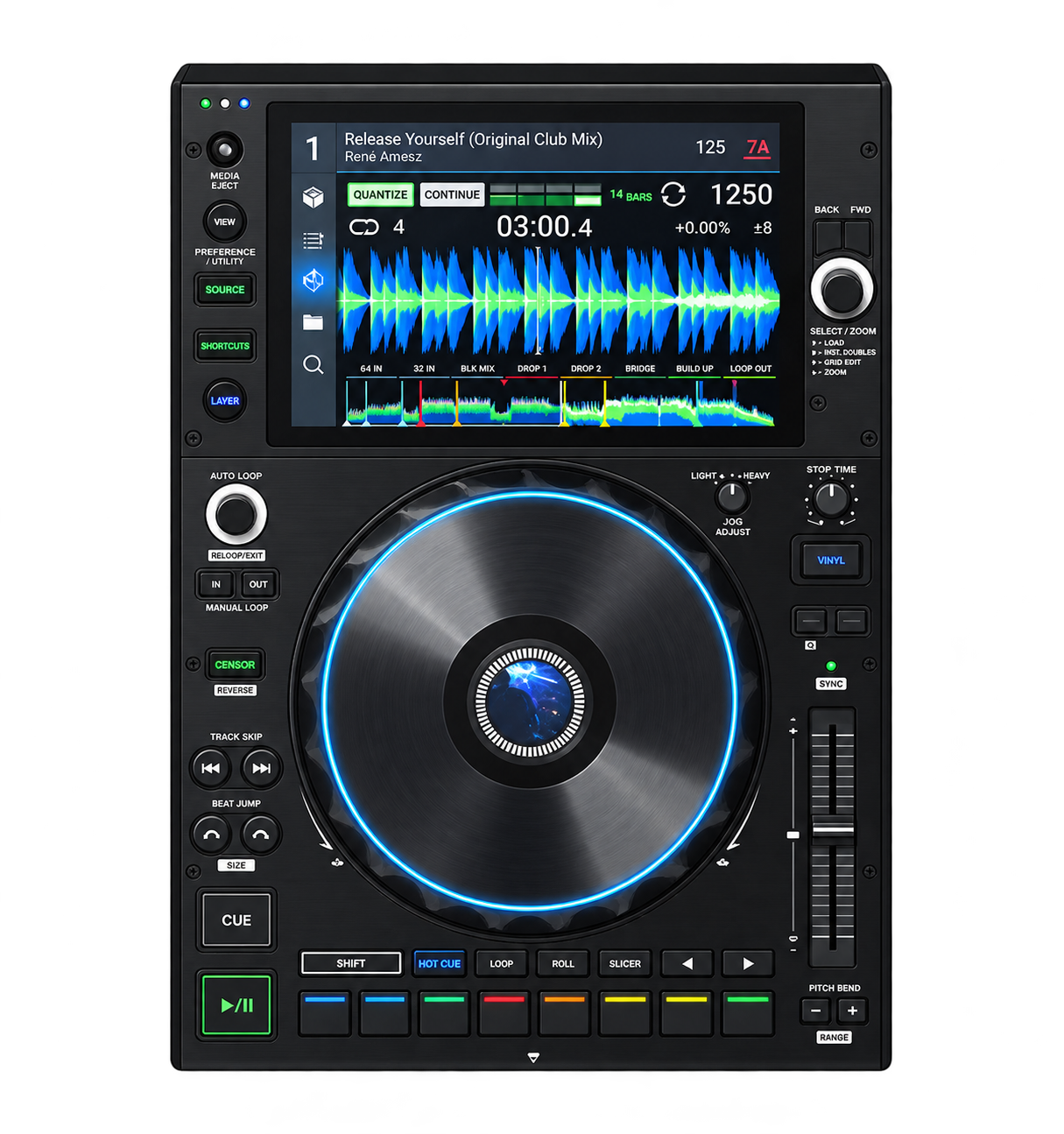
Deckovio works with compatible Pioneer/AlphaTheta Pro DJ Link and Denon/Engine StageLinQ setups, bringing their live information into a consistent desktop view.
CDJ-3000
DJM-A9
SC6000
X1850
✓Available information depends on the model, firmware, network setup and the data provided by the equipment.
Live detection happens in your private local network. Deckovio reads device information where your set is playing; no public port forwarding is required for DJ-gear communication.
⌂Private LAN, not public exposure
♫No audio passes through Deckovio
▣Clear, locally chosen output files
Deckovio — Simulation
Simulation running · 1×Scenario time: 00:47
1×
Explore before you connect
A booth is not required for your first look.
Simulation Mode lets you explore changing tracks, player mapping and the live view with generated data—even without connected devices or an active licence.
Questions, answered
Good tools leave room for the music.
Do I need internet during a gig?
Not for local gear discovery. Internet is used for licence management and online links; Deckovio communicates with DJ gear on your private local network.
Does Deckovio replace my DJ software?
No. Deckovio complements compatible equipment with live track information, harmonic guidance and set logging.
Where are output files stored?
By default, you choose a Deckovio folder in Documents. If needed, you can enable separate output folders in Settings.
Deckovio for your next set
Turn gear data into musical confidence.
Deckovio gives you the context you need at the right moment—without taking your attention away from the crowd.